


No group at hand? The Dungeon Finder puts you in a queue, forms a balanced group of **four players and teleports** you to the dungeon entrance. This tutorial explains the roles, modes and required levels, then walks you through it step by step with in-game screenshots.
How it works
Where to go
- Touch the golden Menu button at the top right of the screen to open the top menu, then touch the Dungeon banner.
- The Dungeon Finder unlocks at level 10.
The basics
- Pick a dungeon from the list, or let the game pick one at random.
- Pick your role(s): Tank, Healer or Damage. The roles available depend on your class:
| Class | Roles |
|---|---|
| Warrior, Flame Knight | Tank, Damage |
| Monk | Healer, Damage |
| Mage, Ranger | Damage |
- The ideal group: 1 tank, 1 healer, 2 damage dealers. If the wait lasts more than two minutes, the game becomes more flexible about the group makeup.
- If you are already in a full group, it goes in as is.
- When the group is ready, everyone confirms, then everyone is teleported to the dungeon entrance.
Modes and levels
- Normal or Legendary: Legendary mode is much harder and gives better rewards (plus 30 daily activity points).
- The required level depends on the dungeon and the mode: it is the level of its weakest boss, minus 2. Example: Knahswahs Prison requires level 18 in Normal and 58 in Legendary.
- If your level is too low, the game tells you the level you need.
Step by step
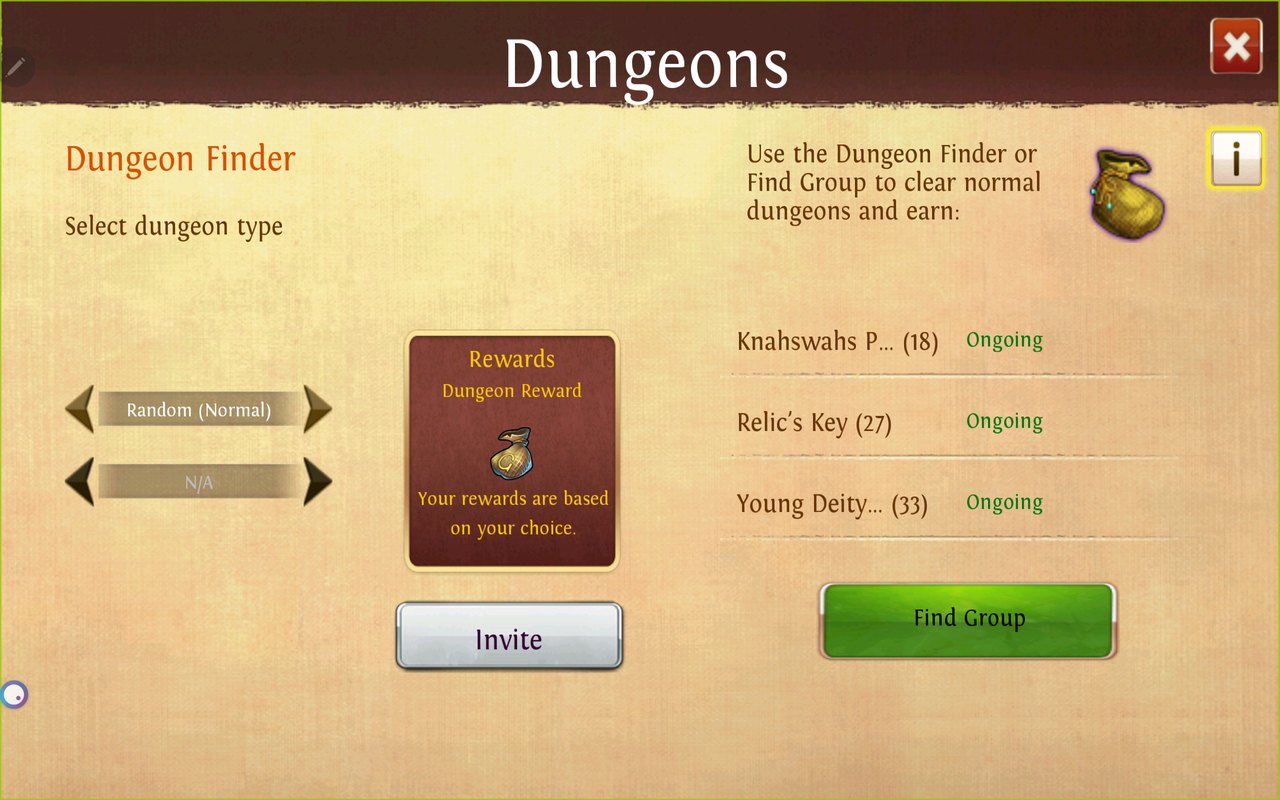
- Open the top menu and touch Dungeon. On the left, Select dungeon type: Random (Normal) for a random dungeon in Normal mode; the arrows scroll through the choices. On the right, the dungeons with their required level in parentheses.
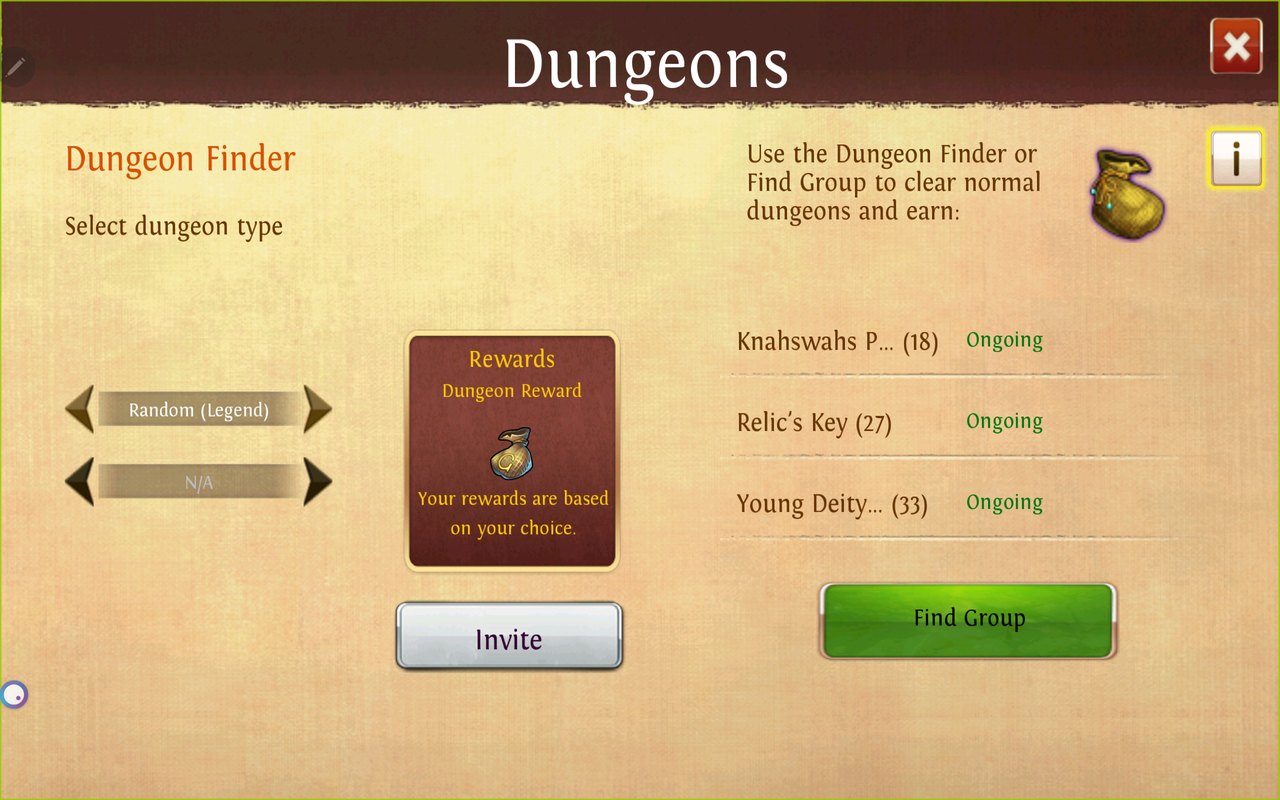
- The arrows also offer Random (Legend), Legendary mode.
- Touch Find Group: pick your role, then wait for the group to form. When it is ready, confirm: everyone is teleported to the dungeon entrance. The Invite button lets you bring your friends along.
Frequently asked questions
- Can I go alone? The Finder forms a group of four: while waiting for other players, you stay in the queue.
- Can I leave the queue? Yes, at any time from the same window.
- Where do we arrive? At the entrance of the chosen dungeon.