
Want to treat the whole server? On the main square of Greenmont, Cristian lets you offer every player online an Experience ×2 or Loot ×1.5 on rare items bonus for one hour. Your name is announced to everyone. This tutorial explains where to find him, what it costs, what each bonus does and how to follow the time left.
How it works
Where to go
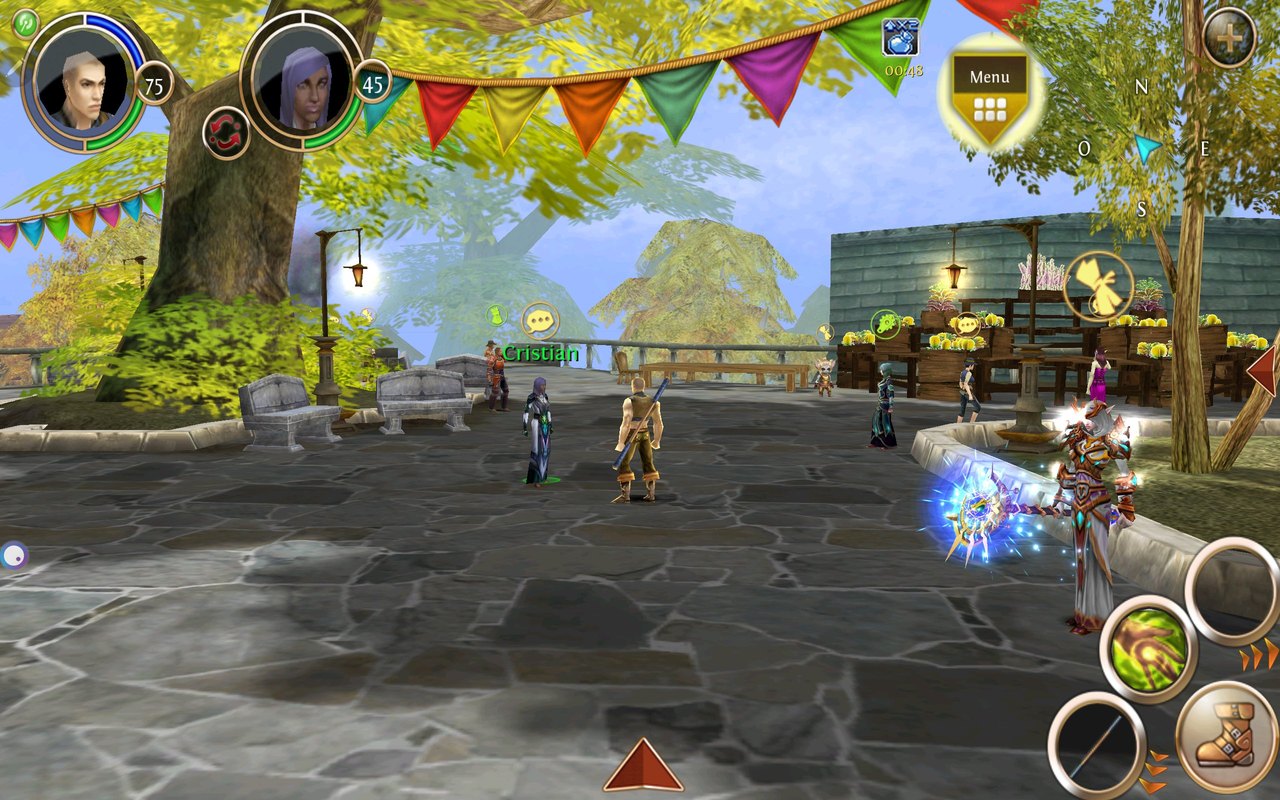
- Cristian stands on the main square of Greenmont, not far from the teleporter.
- Tap him to open his Events for the whole kingdom window. You must stay close to him: from too far away, the game answers "You are too far from Cristian".
The two events
| Event | What it does |
|---|---|
| Experience ×2 | Experience earned by defeating monsters is doubled. Quest experience does not change. |
| Loot ×1.5 (rare items) | Monsters are 1.5 times more likely to drop their rare items (blue name; never above 100%). Other items (common, green, epic, legendary), quest items, gold and chests do not change. |
The ×2 experience applies to monsters only, not to quest rewards.
The bonus applies to the whole kingdom: to every player online, and to those who log in during the event.
The rules
- Price: 500 gold for 1 hour. The gold is taken from the character talking to Cristian (see Currencies).
- 1 hour, no more: an event always lasts 1 hour. While it is running, it cannot be bought again or extended: the game answers "This event is already running, come back when it ends." Come back to Cristian once it is over.
- One event of each type at a time: at most one Experience ×2 and one Loot ×1.5 at the same time. Bonuses never stack (no ×4).
- When a player starts an event, their name is announced to the whole kingdom.
Step by step
1. Cristian's window
On the left: the current event and its time left, then the list of the latest events offered (time, player, event). On the right: the two events, with their price. If nothing is running, the window says "No event in progress".
2. Start an event
- Tap the icon on the right of the event you want to offer (under its name: "500 Gold · select the icon to start", or "Already running · come back when it ends" if it is already running).
- A window asks you to confirm the price and the duration: tap Yes.
- "Thank you!": the event is active for the whole kingdom and your name is announced.
If you don't have enough gold ("You don't have enough gold."), or if the event is already running, the game tells you and no gold is taken.
3. The icons at the top right
During an event, its icon appears at the top right of the screen, next to the Menu button, with the time left just below. Tap it (or hover it with the mouse on PC) to see the details: the event name, who offered it, the time left and its effect.
The icons disappear on their own when the event ends.
Frequently asked questions
Do I have to stay online for the event to keep going? No. Once started, the event lasts its hour, whether you are online or not.
Can I start both events at the same time? Yes: an Experience ×2 and a Loot ×1.5 can run together, each with its own icon.
Which items does Loot ×1.5 affect? Only the rare items (blue name) dropped by monsters. Common, green, epic and legendary items keep their usual chances.
Does the bonus work in dungeons? Yes, for the monsters you defeat. End-of-dungeon rewards and chests do not change.